

or use the web version:

- Create an account
For more information on how to join the DDW challenge check the following page.

The simplest method to log in is with your existing social media account. Otherwise, you need to enter additional information and click on a link in an activation email.

1. Go to Teams via the menu.
2. Fill in DDW 2016 at the top and press the magnifying glass to search.
3. Click Join.
4. Click Go back to my teams.
4. Register location visit

1. Go to Activities via the menu.
2. Select Add a new activity manually.
3. Social selfie. For more information on the other activity types you can visit the information booth.
4. Fill in the selfie digit code, which can be found on the GameBus
locations across the Dutch Design Week (eg. 8068).
5. Add a cute selfie, of these selfies a photobook will be created.
- Intermediate score


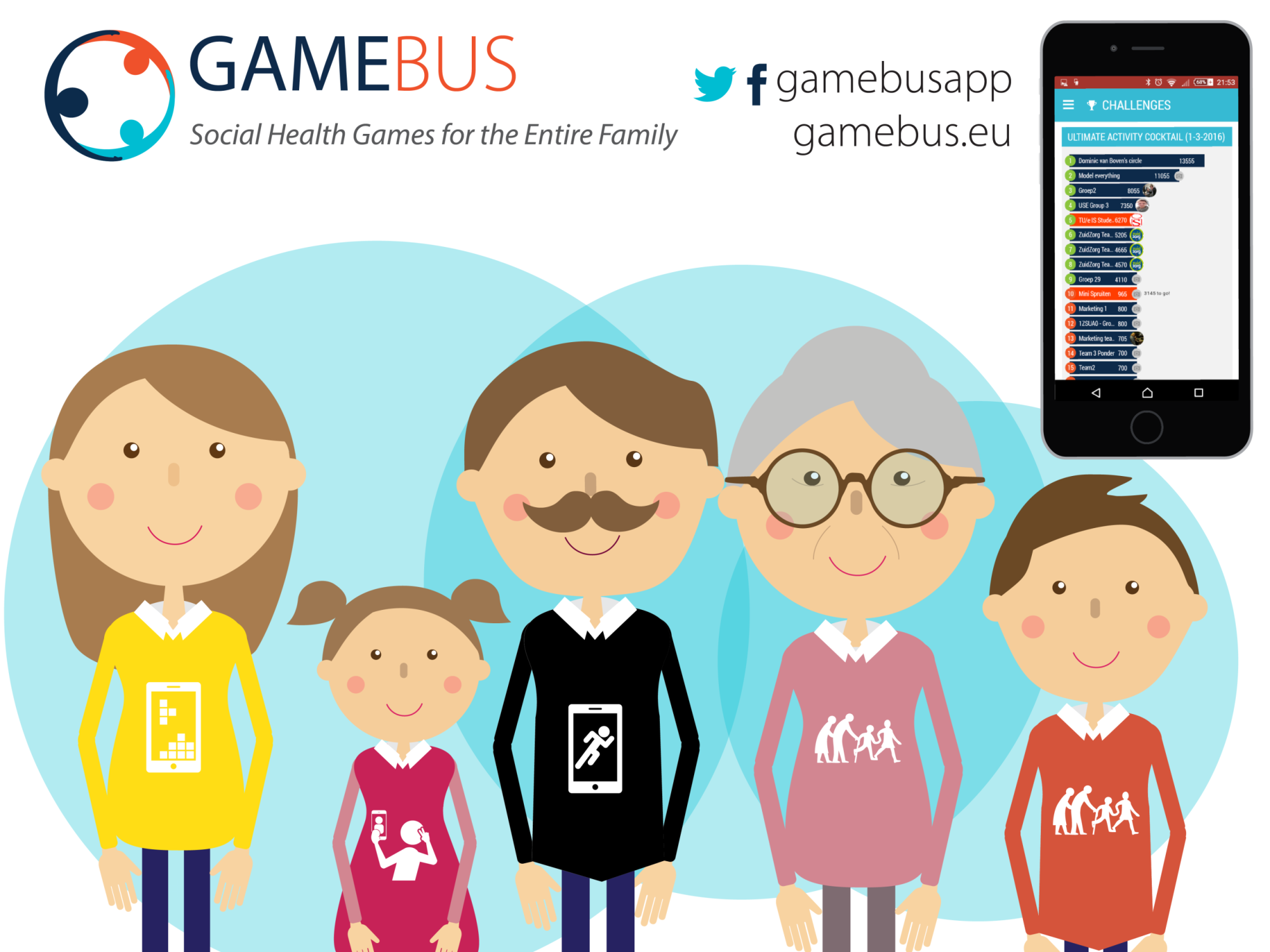
1. Go to Challenges via the menu.
2. In the Active tab the challenges in which you participate can be found. There you can also see your ranking on the leaderboard.
- Won?
Participants who participated actively in this challenge will receive a free online photo album with all the social selfies of this week!
With this competition also nice rewards can be won like sport bags, pens, etc.!
Daily rewards will be handed out at the end of the day in the municipality at the GameBus information point.